


Countdown To Death
A downloadable game for Windows
DESCRIPTION
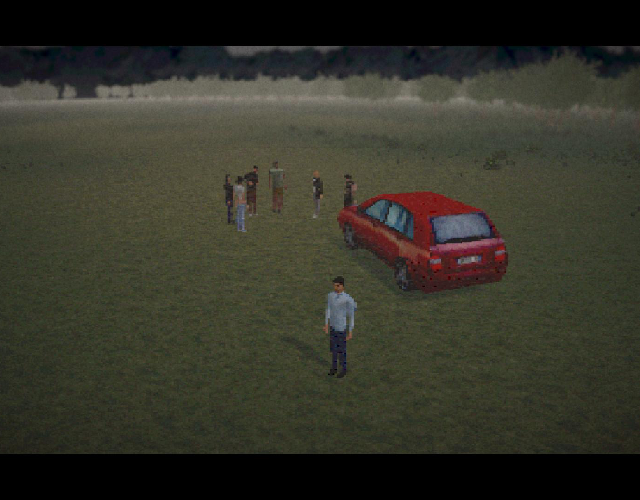
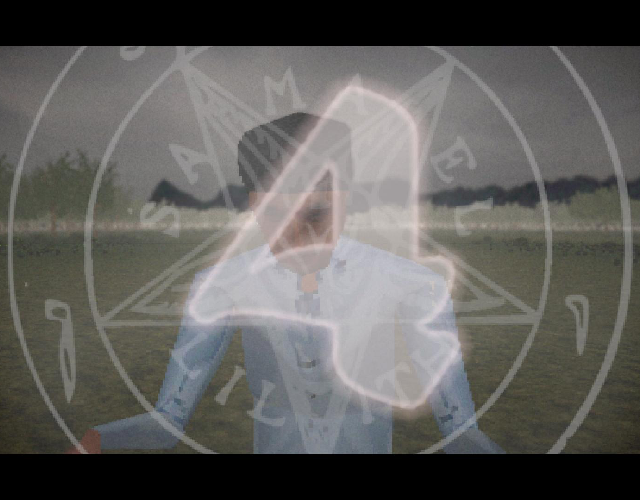
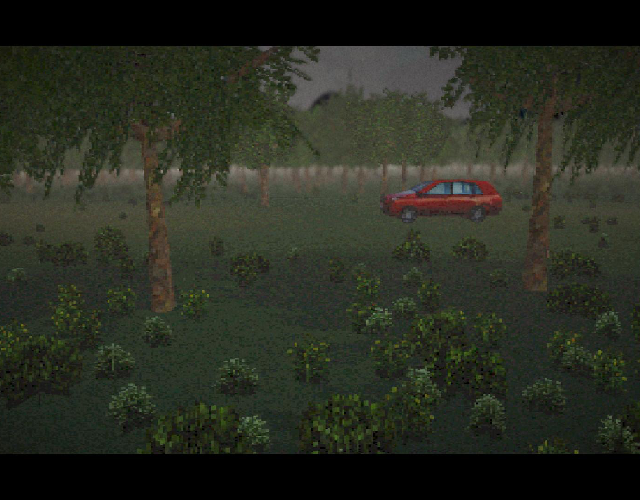
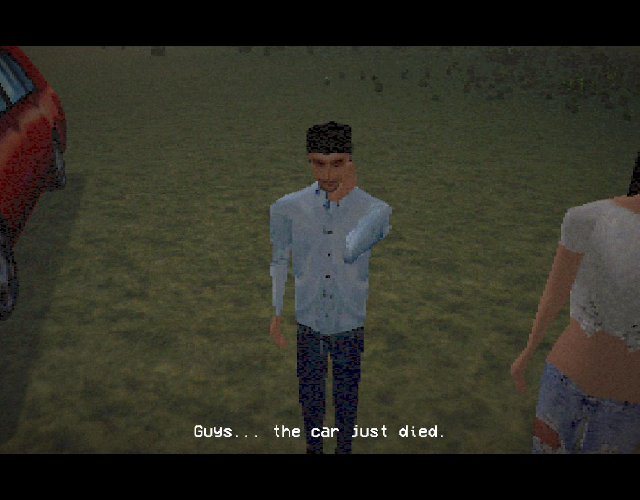
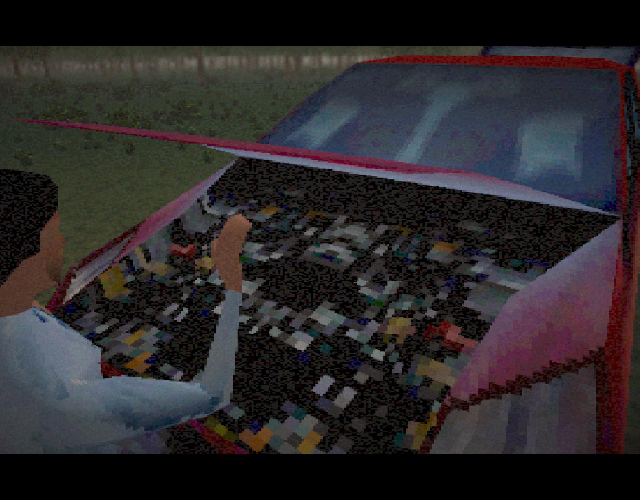
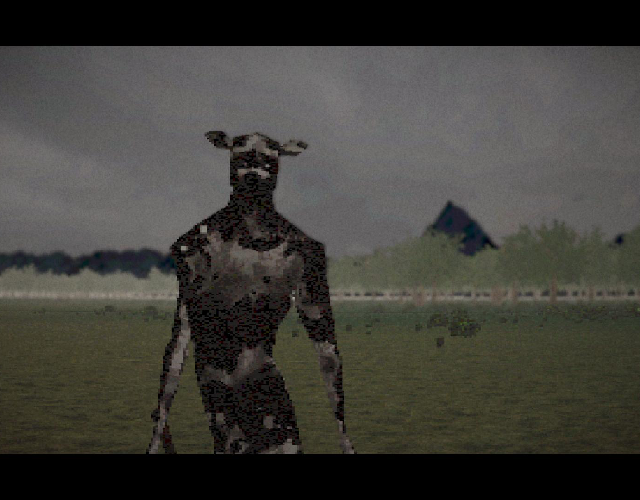
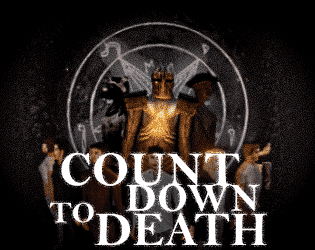
What begins as a peaceful trip quickly becomes a nightmare. Face terrifying mutants in cinematic encounters, survive intense countdown-based quick time events, and fight to escape before time runs out.

WARNING
If you don't complete the QTE and suddenly find yourself in gameplay without being able to move your character, just return to the main menu and start again. It's a bug.
I hope there aren't too many bugs, but I'm sure there are still quite a few. This is only my fourth game jam, and it's also the first time I've made a game like this. Please be kind. I know the game isn't perfect, but I hope you enjoy it anyway.
I originally wanted to add a lot more content to the game, but I wasn't able to finish everything, even after significantly reducing the scope. Because of that, there's no proper ending yet. The game is supposed to fade to black and return you to the main menu, but due to the bug I mentioned above, it won't return automatically. After finishing the game, you'll need to go back to the main menu manually and start a new game if you want to play again.
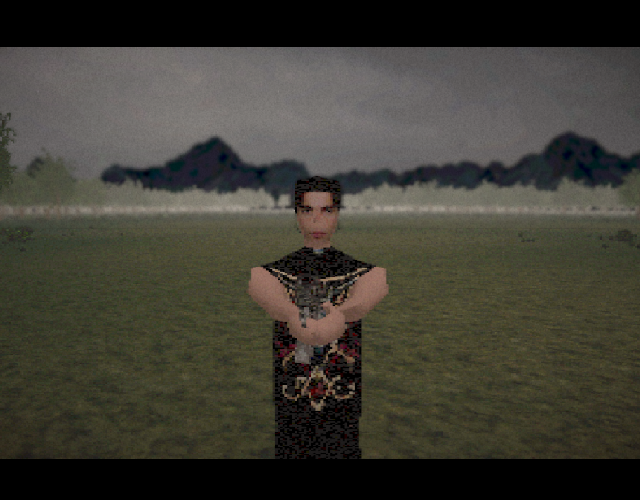
The shooting section is currently the final part of the game, so if it feels like something is missing afterward, that's because there isn't any additional content yet.

CONTROLS
WASD - movement
E - Interact
Left Mouse Click - Shoot
(You have to aim straight at the target and press the left mouse button to shoot. If it doesn't shoot, try aiming at the center of the target again. I didn't have enough time for much, and I narrowed the scope many times, and I also wanted to add normal endings, other monsters, and tutorials.)
CREDITS
Sound effects and music - Pixabay and Freesound
Game engine - Unity
Models - Blender
Animations - Blender and Mixamo
JAM
This was made for GMTK Game Jam 2026.
Download
Install instructions
How to play:
- Extract the ZIP file first (don't run it straight from the download folder, or it won't save your progress).
- Open the extracted folder and double-click the game executable.
- Plug in a controller if you have one—you'll need fast reflexes for the quick-time events!
Note: If you run into any performance issues, try dropping the graphics settings or playing in windowed mode.
Leave a comment
Log in with itch.io to leave a comment.